Review a video preview while editing scene text, timing and layout in a visual workspace.

video · By Goalmatic creator
Version 0.7.0 · Updated Nov 19, 2026
Motion Studio
Turn an idea into an editable video
Free to installSome actions use your Goalmatic credits
No ratings yet8 installs7 viewsRead reviews A Goalmatic account is required so you can choose a workspace and review Motion Studio's access before installing. Create an account
Installing is free. The App can only use what is listed under “What it can use” on this page, in the workspace you are in.
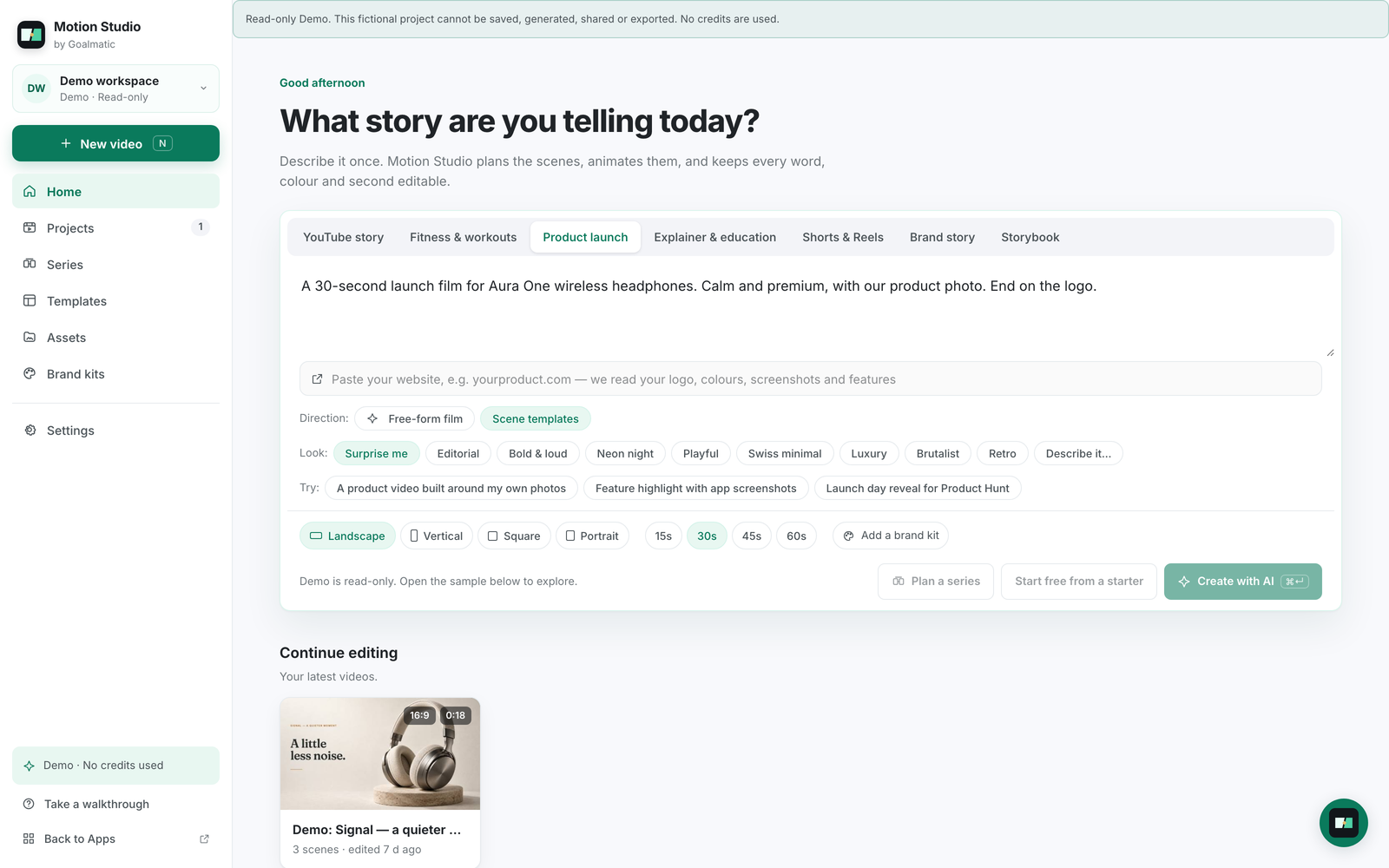
Product tour
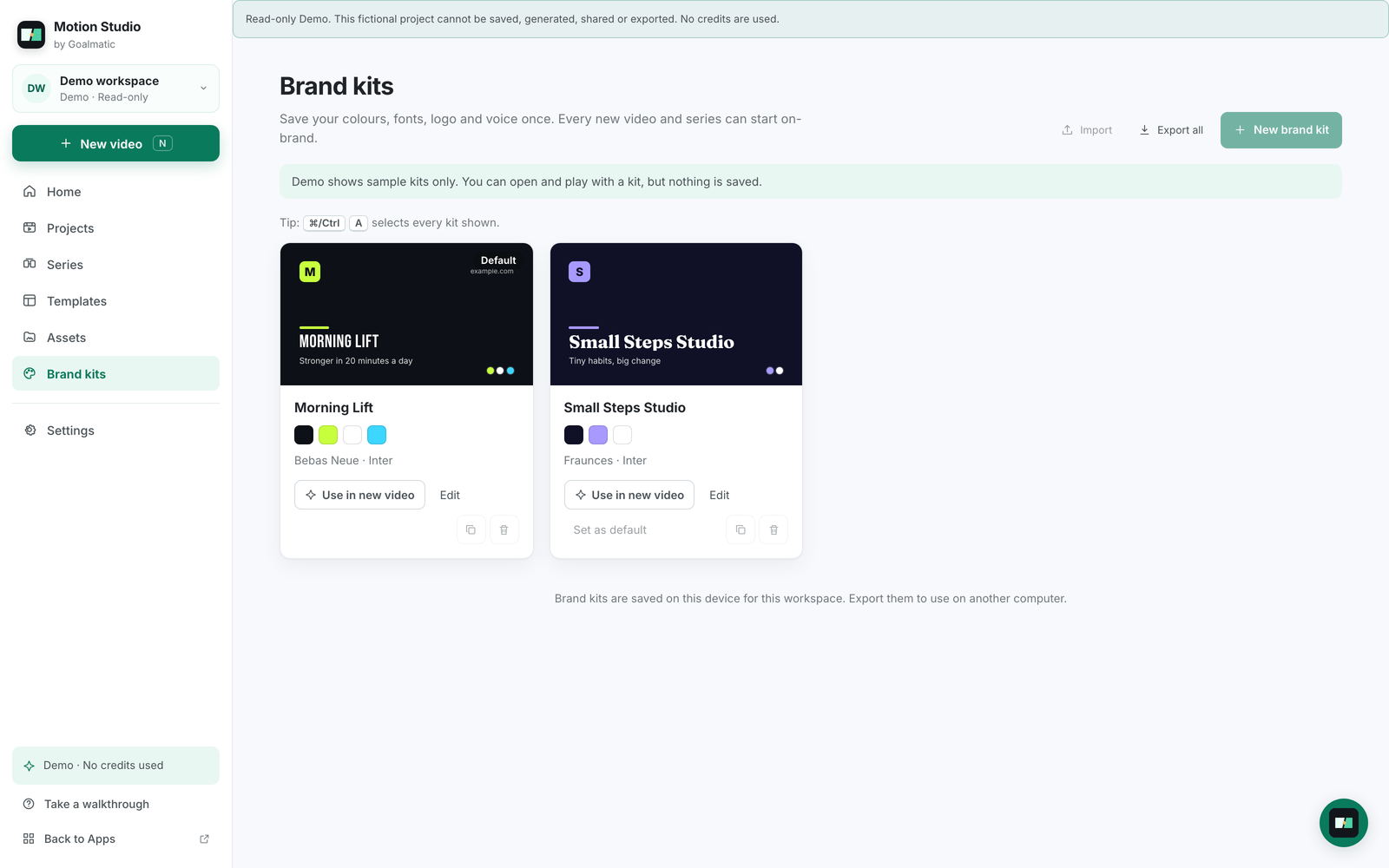
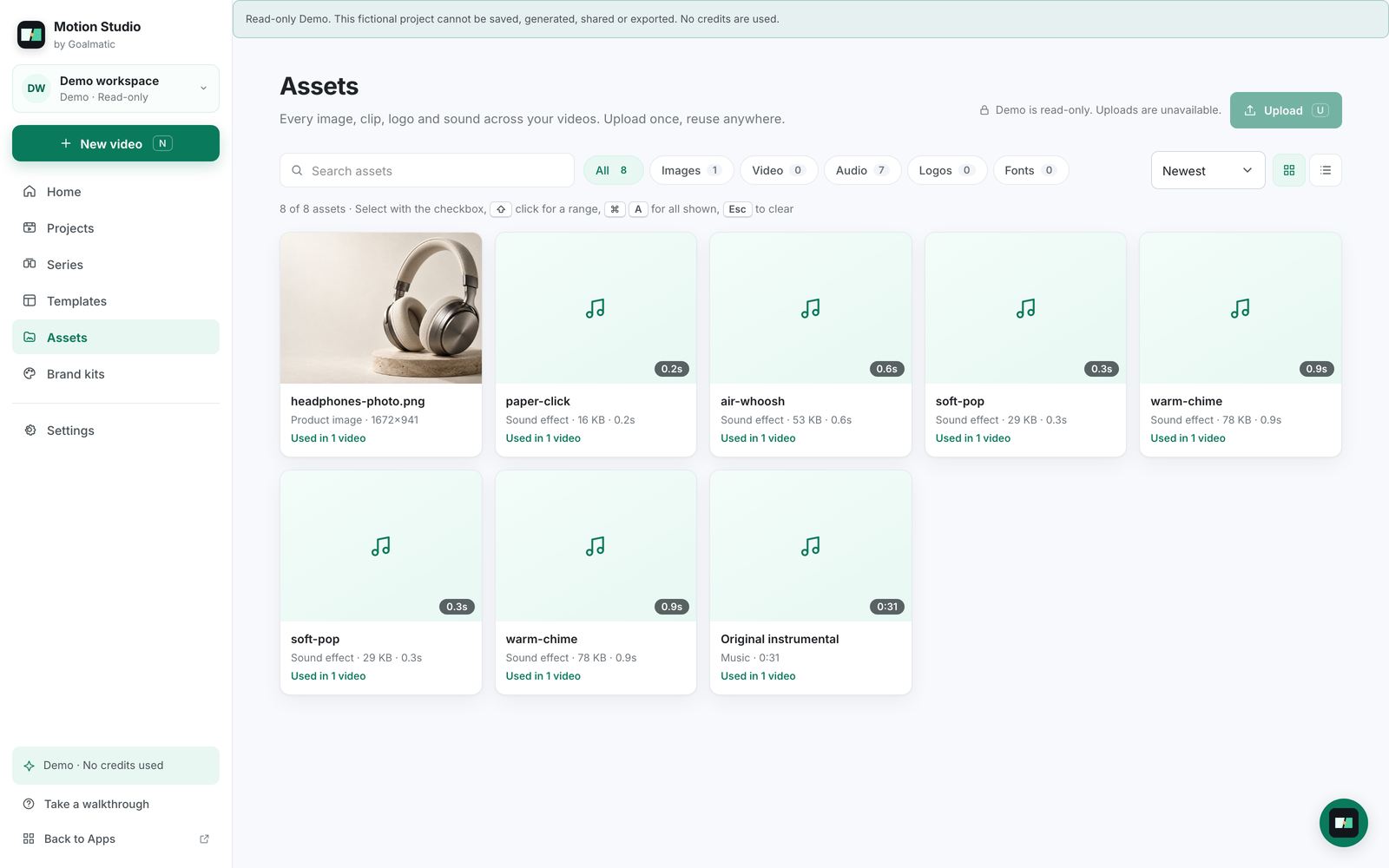
See what you can do
Screenshots provided for this App.
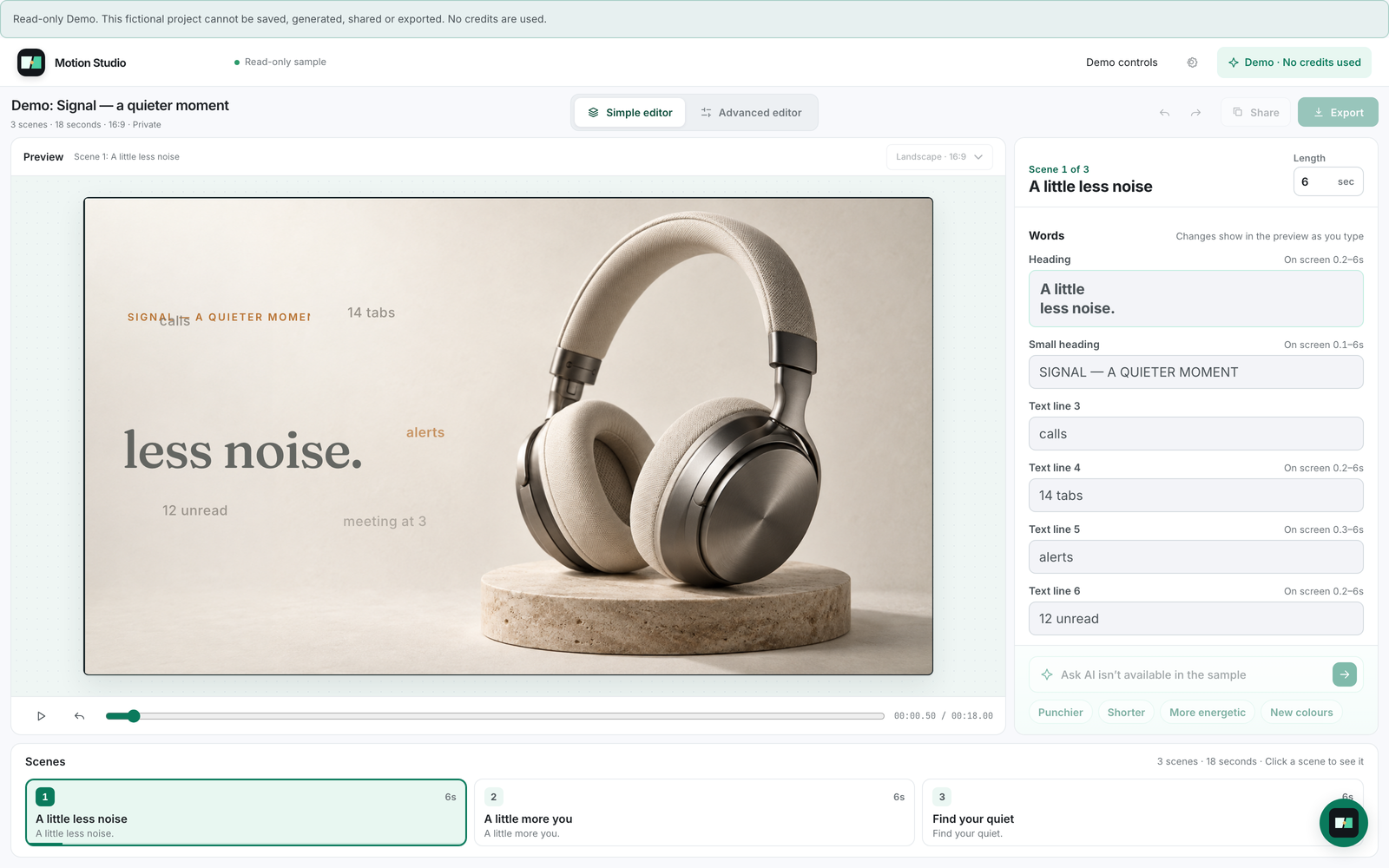
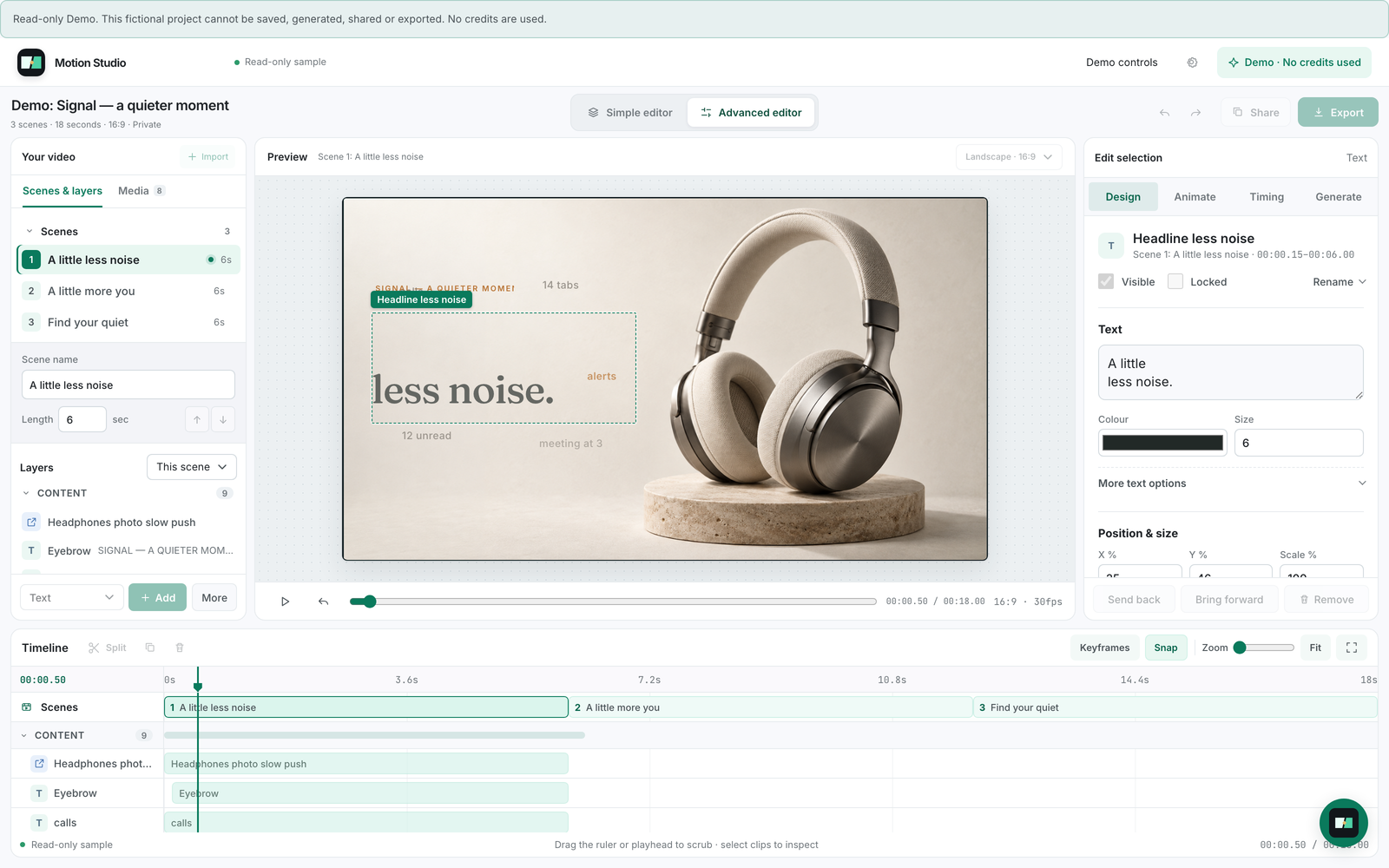
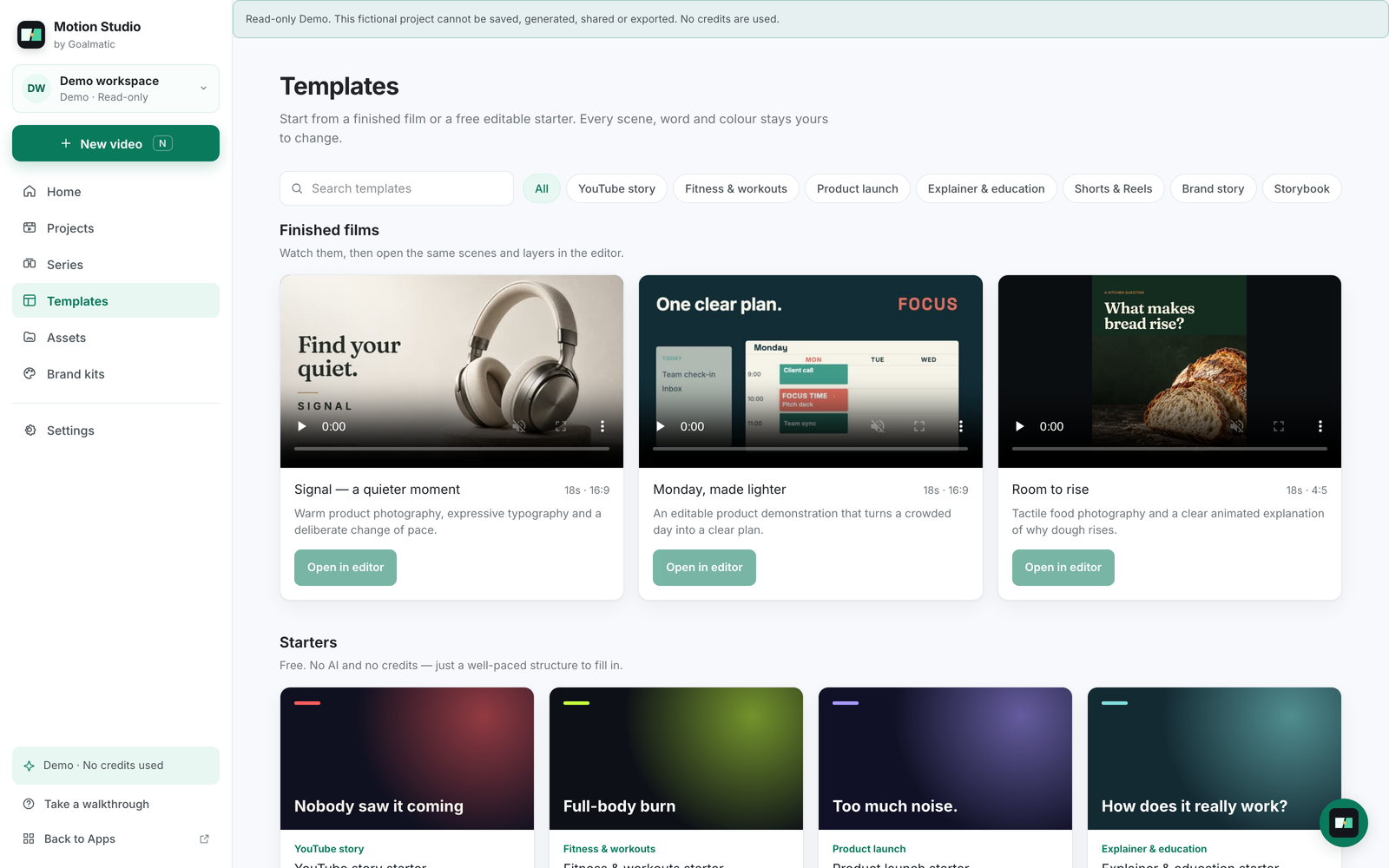
Why this App
What it helps you achieve
About
Built for a focused job
Create editable videos from an idea or website, with research, original imagery, music, and a visual timeline.
How it works
- 1Start with a brief or a sample
Create a project from an idea or explore the read-only sample, then review the scenes in the editor.
Goalmatic credits
The App is free to install. If a specific AI, research, publishing, or provider action uses shared credits, Goalmatic shows the applicable cost when the platform exposes it.
- Credits belong to your selected workspace.
- Installation and ordinary browsing do not spend credits.
- Top-ups stay in central Goalmatic billing.
You control what it can use
The App can only use the things listed below, and only in the workspace you install it in.
2Needed
4Optional
2Things it adds
You do not need to connect any other account.
- A Goalmatic account and workspace
What it can use6 items
What it adds to your workspace2 total
1 TablesMotion Studio Projects
1 agentsMotion Studio Planner
0 workflowsNone
Community
Ratings and reviews
Views since Oct 26, 2026
7deduplicated views
8successful installs
0written reviews
Sign in and install this App in a workspace to leave a rating.
Sign in to rateWhat people say
Loading reviews…
Good to know
What happens when you install or remove it
Your data stays in the workspace you install it in.
If an update needs more access, it asks you first.
Removing the App stops it running first.
Tables the App made are kept unless you choose to delete them.
Privacy policySupportAlso connects to: cdn.jsdelivr.net, firebasestorage.googleapis.com, feedback-studio.apps.goalmatic.io, api.iconify.design