Organize income, expenses and accounts, and review your budgets alongside spending.

finance · By Goalmatic
Version 1.2.13 · Updated Sep 28, 2026
Expense Tracker
Keep spending and budgets in one place
Free to installUses shared credits only for metered actions
A Goalmatic account is required so you can choose a workspace and review Expense Tracker's access before installing. Create an account
Installing approves the access listed on this page for the workspace you are in. Installation does not spend credits.
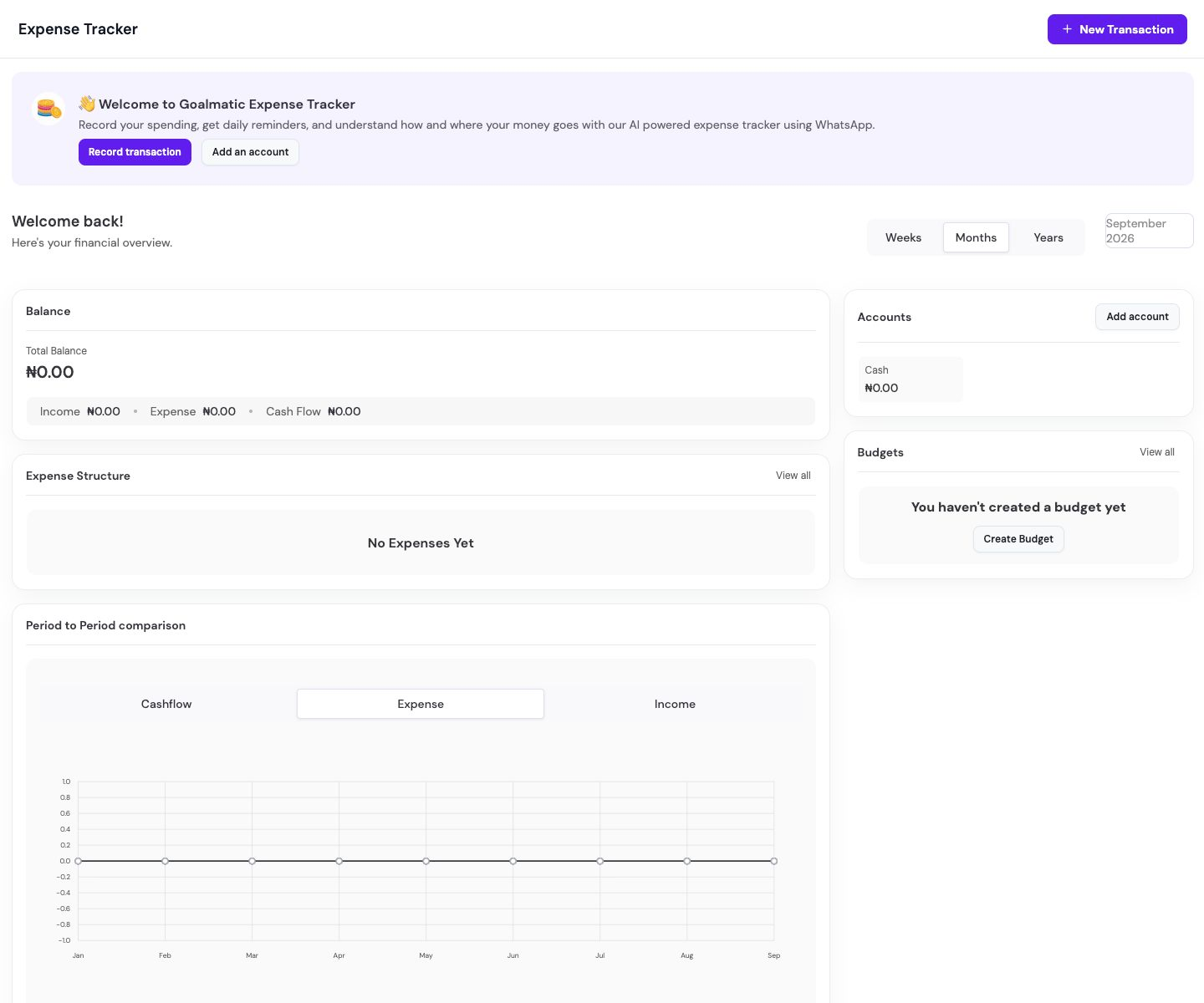
Product tour
See what you can do
Screenshots provided for this App.
Why this App
What it helps you achieve
About
Built for a focused job
Track spending through the web, WhatsApp, and email without losing context.
How it works
- 1Add an account and your first transaction
Open your Goalmatic workspace, add an account, and record a transaction to start your overview.
Goalmatic credits
The App is free to install. If a specific AI, research, publishing, or provider action uses shared credits, Goalmatic shows the applicable cost when the platform exposes it.
- Credits belong to your selected workspace.
- Installation and ordinary browsing do not spend credits.
- Top-ups stay in central Goalmatic billing.
Access stays explicit
The App receives only the access declared by this Store release and approved for the workspace you choose.
9Required
5Optional
13Resources
Connected accounts: WHATSAPP
- A Goalmatic account and workspace
Permissions14 declared
Installation resources13 total
7 TablesExpense Transactions, Expense Accounts, Expense Categories, Expense Budgets, Pending Expense Confirmations, Expense Tracker Settings, Expense Import Events
1 agentsExpense Assistant
5 workflowsExpense Tracker - capture WhatsApp expense, Expense Tracker - import email receipt, Expense Tracker - daily summary, Expense Tracker - capture reminder, Expense Tracker - budget alerts
Trust and lifecycle
Know what happens before and after installation
Data stays scoped to the workspace you choose.
New permissions require another approval.
Uninstall stops sessions and workflows first.
App-created Tables are preserved by default.
Privacy policySupportExternal domains: fonts.googleapis.com, fonts.gstatic.com, goalmatic.io, feedback-studio.apps.goalmatic.io