Share a release-pinned page that exposes only your public profile, active services, and available times.

productivity · By Goalmatic
Version 0.9.0 · Updated Nov 24, 2026
Bookins
Bookings that work for African businesses
Free to installSome actions use your Goalmatic credits
No ratings yet6 installs3 viewsRead reviews A Goalmatic account is required so you can choose a workspace and review Bookins's access before installing. Create an account
Installing is free. The App can only use what is listed under “What it can use” on this page, in the workspace you are in.
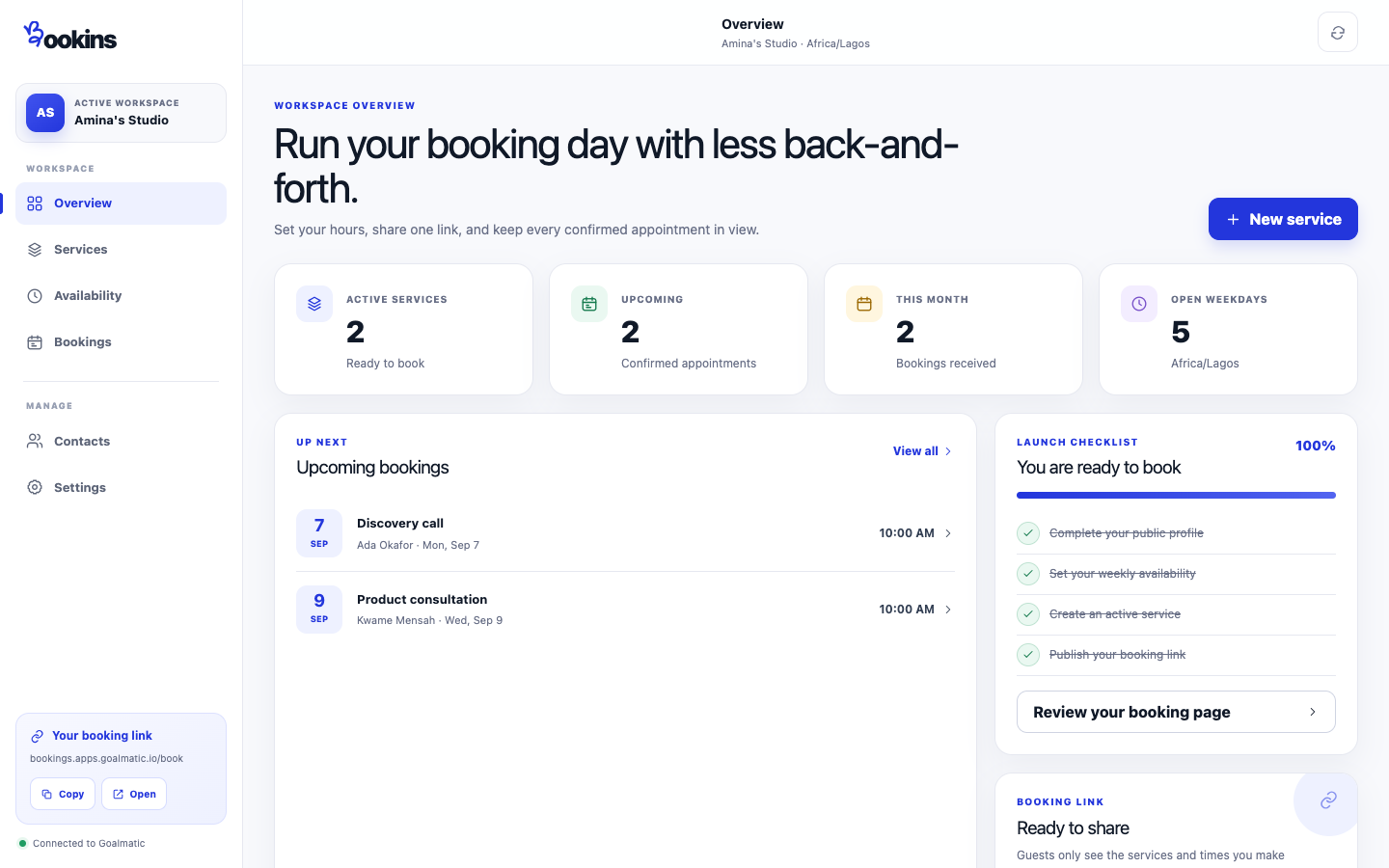
Product tour
See what you can do
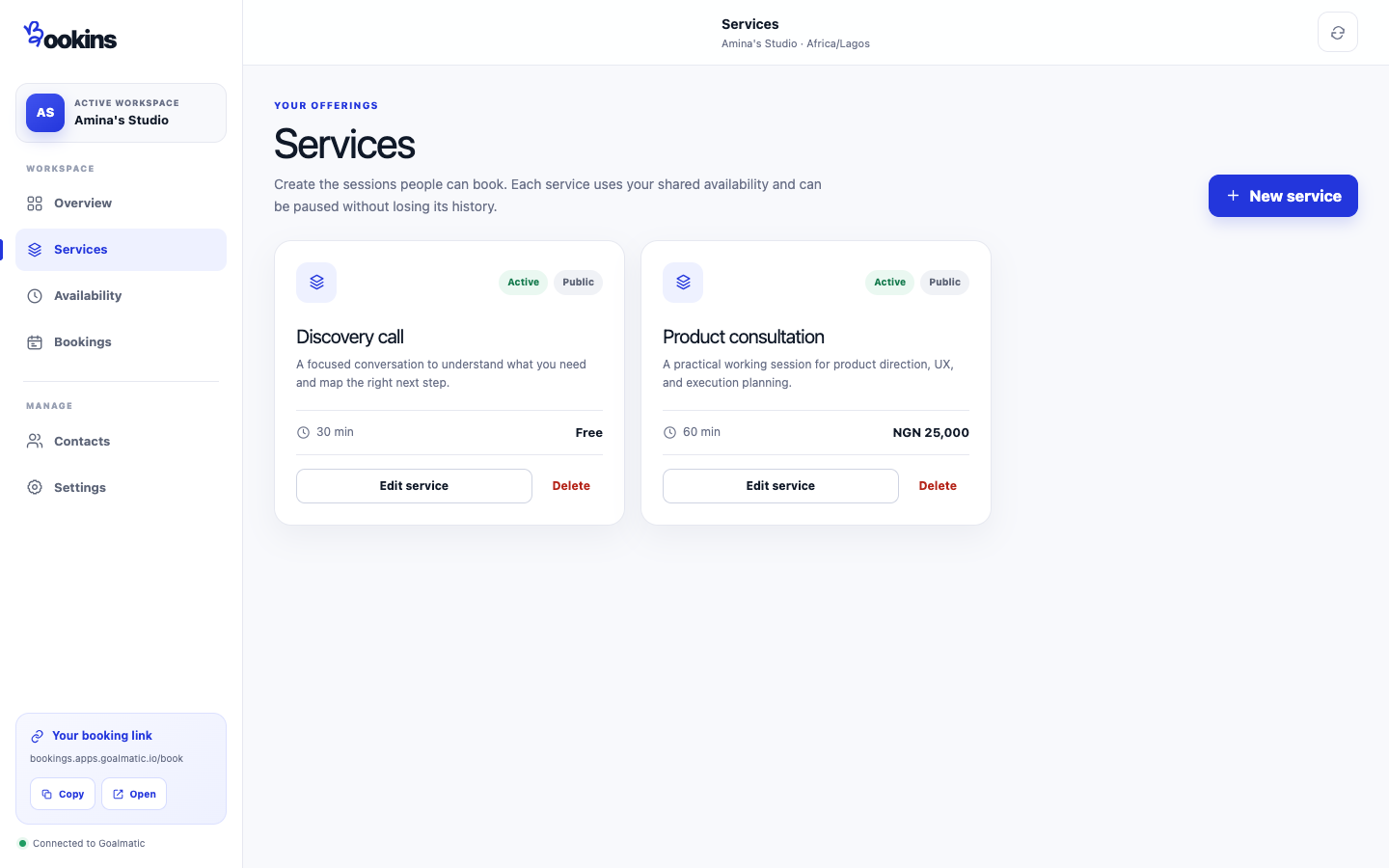
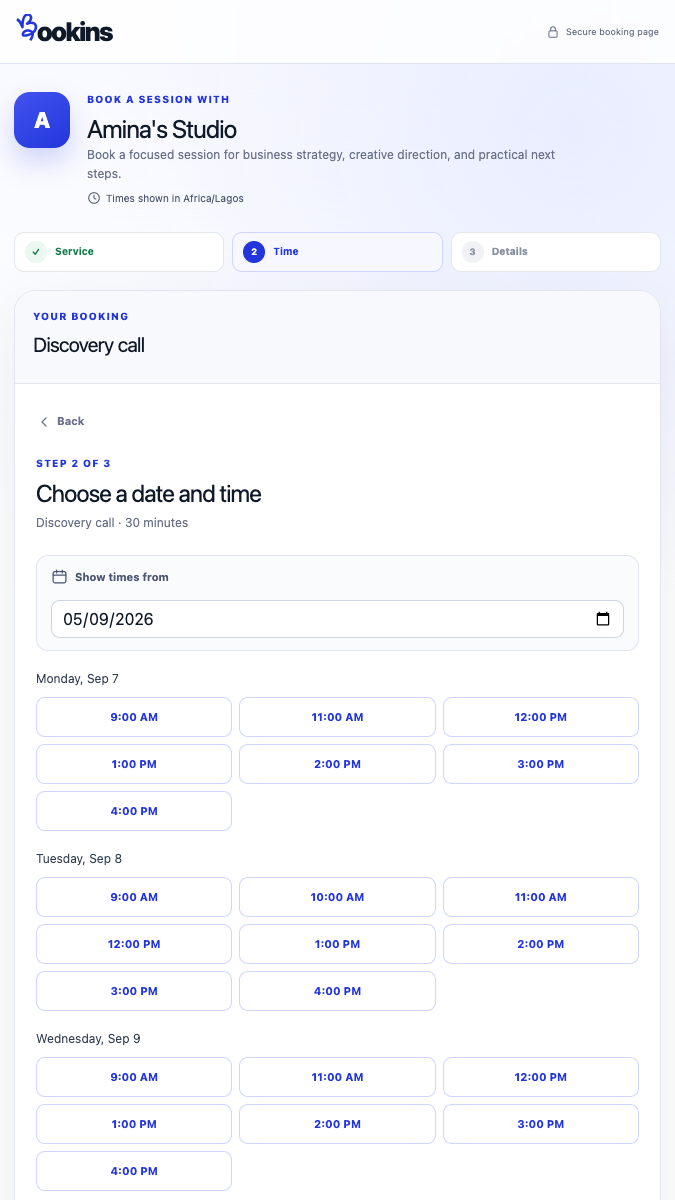
Screenshots provided for this App.
Why this App
What it helps you achieve
Set weekly availability, timezone, minimum notice, and how far ahead guests can book.
Create focused offers with clear durations and currencies including NGN, GHS, KES, ZAR, and XOF.
Find upcoming, past, and cancelled bookings with guest details and contact history in one workspace.
Bookins rechecks availability before confirmation so two guests cannot reserve the same start time.
About
Built for a focused job
Bookins helps African service businesses set availability, share a secure booking link, and manage confirmed appointments from one Goalmatic workspace. Payments, calendar writes, and email delivery remain clearly unavailable until connected.
How it works
- 1Set up your booking profile
Add the public name, bio, photo, and timezone guests should see.
- 2Choose hours and services
Set your weekly schedule, notice rules, service durations, visibility, and display prices.
- 3Share your booking link
Guests choose a service and available time, enter their details, and receive an on-screen confirmation.
Goalmatic credits
The App is free to install. If a specific AI, research, publishing, or provider action uses shared credits, Goalmatic shows the applicable cost when the platform exposes it.
- Credits belong to your selected workspace.
- Installation and ordinary browsing do not spend credits.
- Top-ups stay in central Goalmatic billing.
You control what it can use
The App can only use the things listed below, and only in the workspace you install it in.
6Needed
6Optional
8Things it adds
You do not need to connect any other account.
- A Goalmatic account and workspace
What it can use12 items
What it adds to your workspace8 total
7 TablesBooking Profiles, Booking Schedules, Booking Services, Bookings, Booking Contacts, Team Members, Campaigns
0 agentsNone
1 workflowsBookins - daily agenda email
Community
Ratings and reviews
Views since Nov 8, 2026
3deduplicated views
6successful installs
0written reviews
Sign in and install this App in a workspace to leave a rating.
Sign in to rateWhat people say
Loading reviews…
Good to know
What happens when you install or remove it
Your data stays in the workspace you install it in.
If an update needs more access, it asks you first.
Removing the App stops it running first.
Tables the App made are kept unless you choose to delete them.
Privacy policySupportAlso connects to: feedback-studio.apps.goalmatic.io, firebasestorage.googleapis.com